

Würfel-Timer
Planen Sie Ihre Lösungen, verfolgen Sie Ihren Fortschritt und üben Sie, mit einem Online-Würfel-Timer schneller zu werden.
Lösen Sie Schritt für Schritt 2x2-, 3x3- und 4x4-Würfel. Geben Sie Ihre Würfelfarben ein und folgen Sie der Lösung online.
Loading web app...
Want a minimal full-screen experience? Open Fullscreen Solver
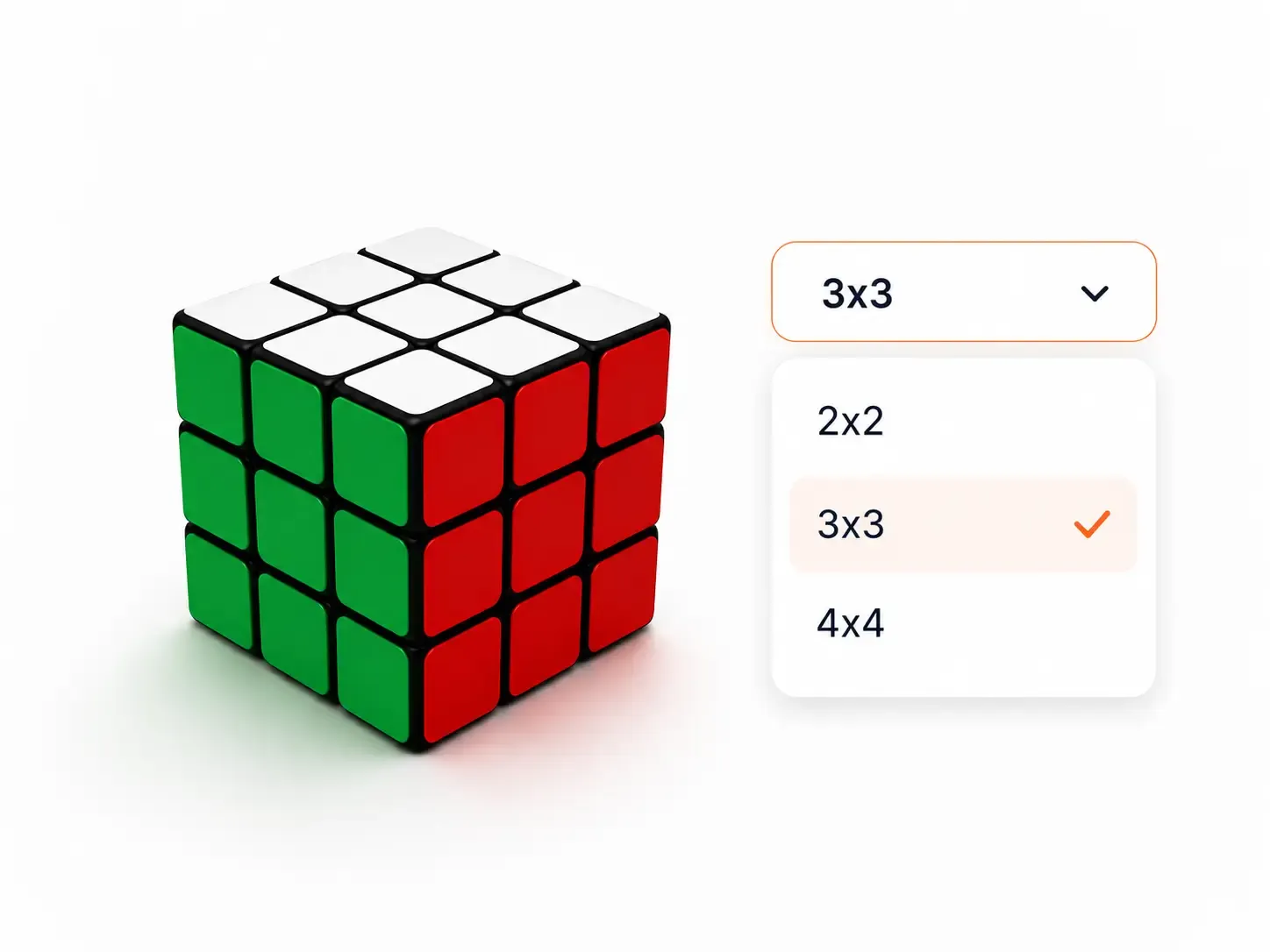
Wählen Sie 2x2, 3x3 oder 4x4 entsprechend dem Würfel aus, den Sie lösen möchten.
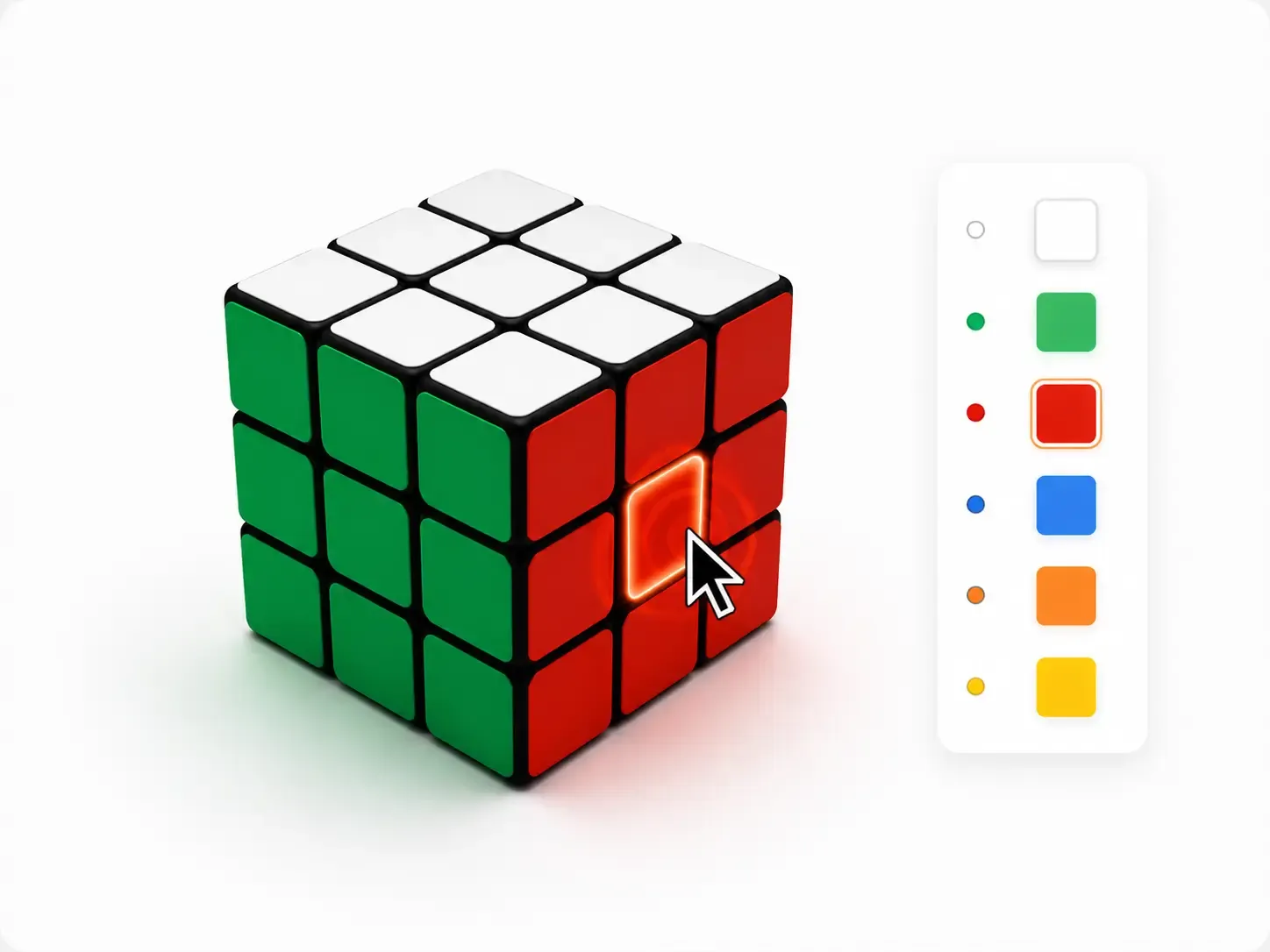
Verwenden Sie den Farbwähler, um jede Seite genau wie Ihren Rührwürfel zu füllen.
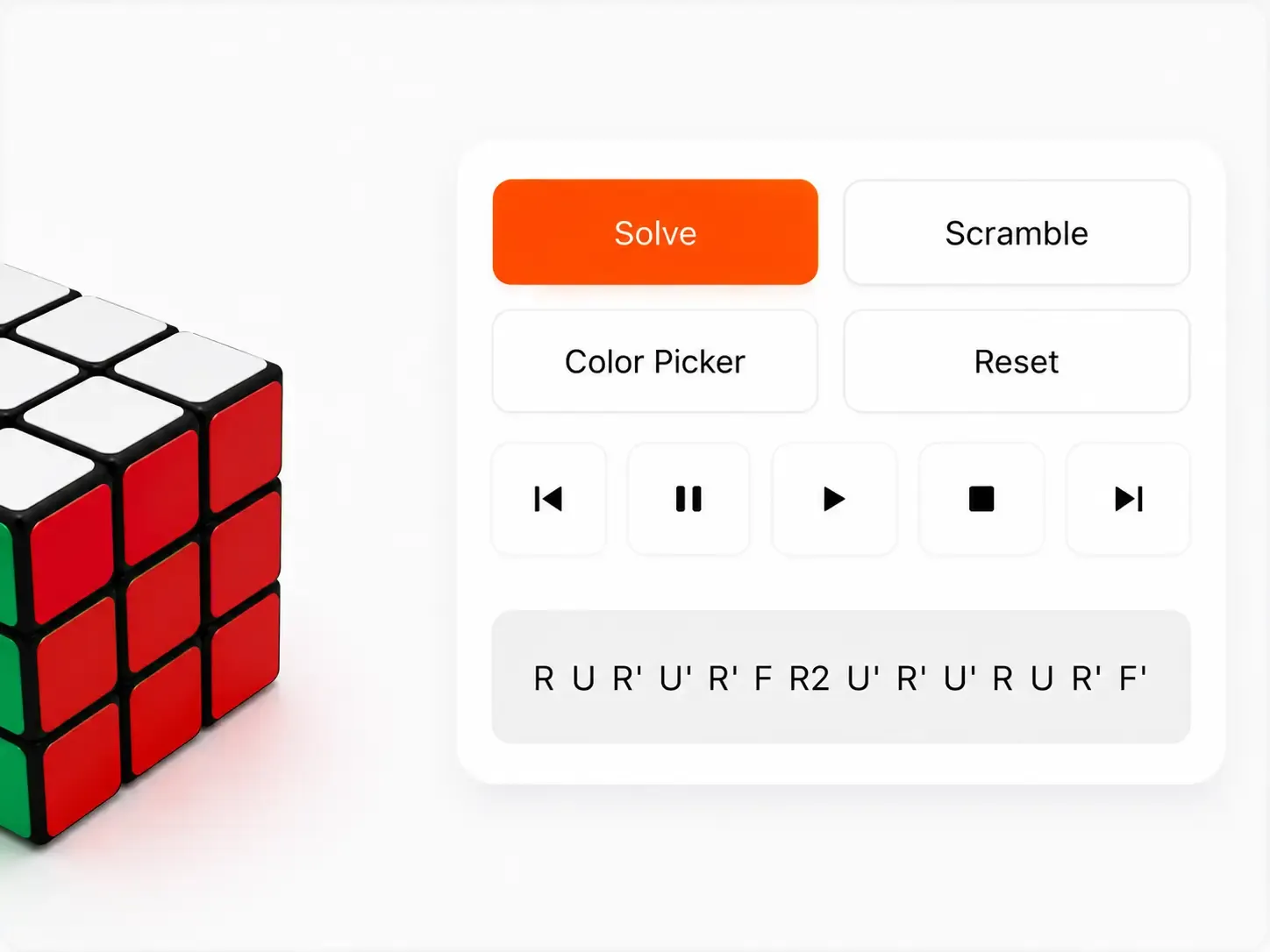
Klicken Sie auf „Würfel lösen“ und spielen Sie dann jeden Zug ab oder folgen Sie der Zugfolge von Hand.
Verwenden Sie diese kostenlosen Online-Tools, um Würfelbewegungen zu üben, Ihre Zeit zu verfolgen und Ihre Lösungen zu verbessern.
Planen Sie Ihre Lösungen, verfolgen Sie Ihren Fortschritt und üben Sie, mit einem Online-Würfel-Timer schneller zu werden.

Üben Sie Würfeldrehungen, testen Sie Algorithmen und erkunden Sie Bewegungen mit einem interaktiven Würfelsimulator.
Häufig gestellte Fragen zur Web-App
Ja, die Nutzung unseres Rubiks Cube Solver Online ist auf Desktop- und Mobilgeräten völlig kostenlos.
Ja, unser Würfellöser unterstützt 2x2-, 3x3- und 4x4-Zauberwürfel mit schrittweisen Lösungen.
Wählen Sie den 3x3-Modus, geben Sie Ihre Würfelfarben ein und klicken Sie auf „Lösen“, um die Lösung sofort zu generieren.
Ja. Sie können den Online-Würfellöser in Ihrem Browser verwenden, ohne eine App herunterladen zu müssen. Geben Sie Ihre Würfelfarben ein, folgen Sie den Schritt-für-Schritt-Anleitungen und lösen Sie Ihren Würfel online. Wenn Sie Ihren Würfel lieber mit Ihrem Telefon scannen möchten, können Sie auch die mobile App verwenden.
Überprüfen Sie die Würfelfarben vor dem Lösen noch einmal, um ungültige Zauberwürfelzustände zu vermeiden.
Ja. Viele Leute suchen nach „Rubix Cube“, aber der offizielle Name ist Rubik's Cube. Dieser Online-Löser hilft Ihnen beim Lösen eines Standard-Zauberwürfels und anderer unterstützter Würfelgrößen.
Dies bedeutet normalerweise, dass eine oder mehrere Farben falsch eingegeben wurden oder der Würfel sich in einem Zustand befindet, der nicht gelöst werden kann. Überprüfen Sie jedes Gesicht, stellen Sie sicher, dass jede Farbzählung korrekt ist, und versuchen Sie es erneut.
Wählen Sie zunächst Ihre Würfelgröße, z. B. 2x2, 3x3 oder 4x4. Geben Sie dann die Farben für jede Seite Ihres durcheinandergebrachten Würfels ein. Der Online-Würfellöser findet eine Lösung und zeigt klare Schritt-für-Schritt-Schritte in Ihrem Browser an.