Use CubeSolver AI to scan and solve 2x2, 3x3, and 4x4 cubes with your phone. Scan your cube with the camera or enter colors manually, then follow clear step-by-step moves with no algorithms required.
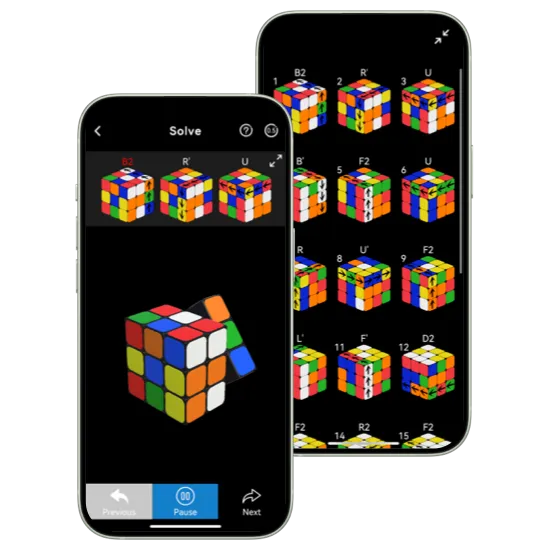

Scan your cube with your phone camera and let CubeSolver AI detect the colors and cube state for you. If lighting or angles make scanning difficult, you can enter colors manually for a simple, reliable setup.

Get precise step-by-step moves for 2x2, 3x3, and 4x4 cubes in seconds. Each move is clearly guided, helping you solve without confusion and avoid common mistakes.

Execute each move at your own pace with clear visual guidance. Replay steps anytime, pause when needed, and follow along confidently from scramble to complete solve.
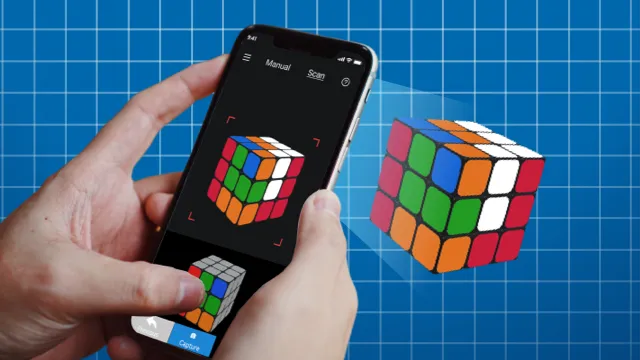
Scan your scrambled cube with camera or enter colors manually.
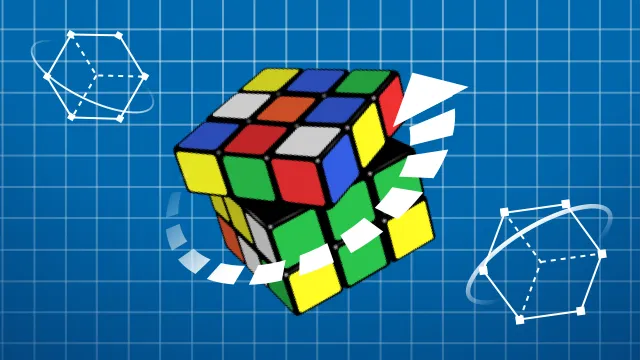
The app analyzes your cube and generates an efficient solve path.
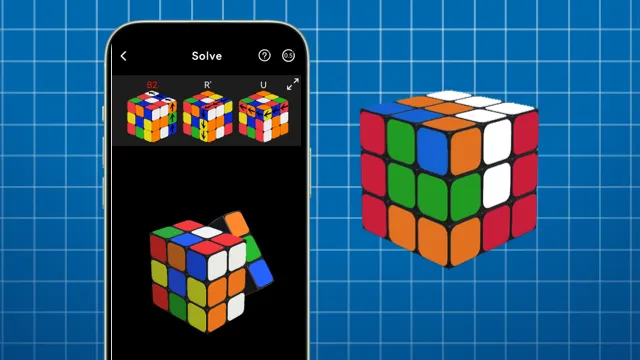
Follow the guided moves step by step until your cube is solved.
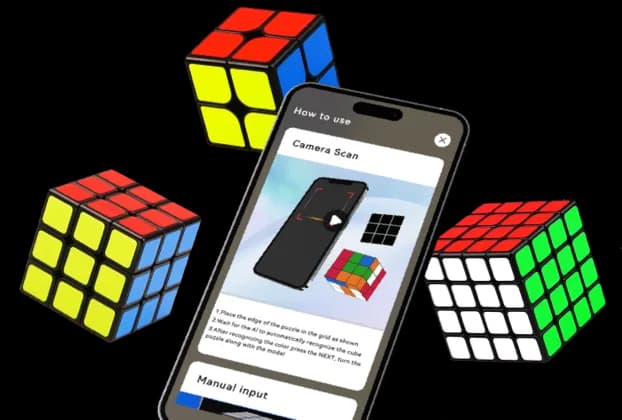
From beginners to experienced cubers, this app helps you solve your Rubik's Cube faster with clear step-by-step guidance.
Supports 2x2, 3x3, and 4x4: No extra tools or complicated setup.
Automatic Recognition: The app detects your cube state quickly and builds a practical solution path.
Step-by-Step Guidance: Each move is shown clearly so you can follow along without getting lost.
Skill Level Adjustments: Whether you are a beginner or experienced cuber, the flow stays simple and efficient.
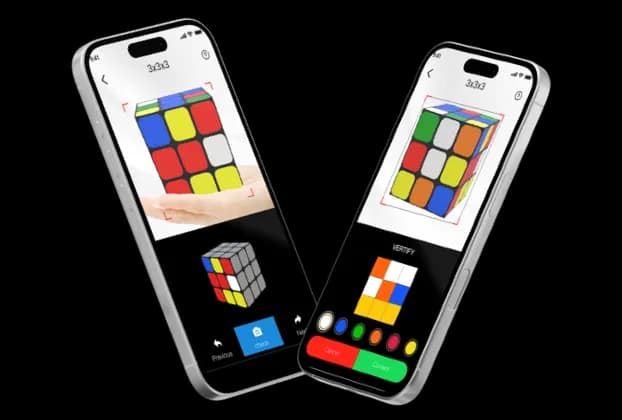
Point your camera at your scrambled Rubik's Cube for quick recognition, or enter colors manually when needed.
Fast Camera Scan: Capture each side and let the app identify your cube layout in seconds.
Manual Input Option: Set each face color yourself when scan conditions are not ideal.
Instant Solve Path: Get a clear sequence of moves right after recognition.
Download the CubeSolver AI app and solve your Rubik's Cube with guided steps on your phone.

A: Yes, you can start solving with the free version. Some advanced features require in-app purchases.
A: Yes. You can scan your cube for speed or switch to manual input for more control.
A: Core solving steps are available after setup. Some features may require internet connection.
A: You can slow down playback, pause anytime, and replay each step until it feels clear.
A: An AI cube solver scanner uses your phone camera to recognize the colors and layout of a scrambled cube. CubeSolver AI uses that scan to create a clear step-by-step solving path, so you can follow each move without entering every color by hand.
A: The fastest way is to use a cube solver app that generates the optimal solution instantly and guides you through each move.
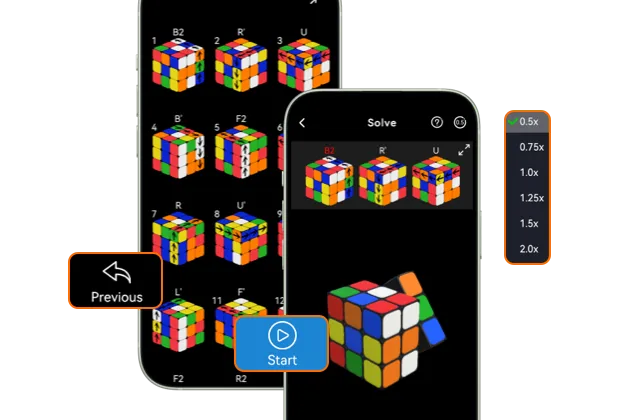
Once your solution is ready, follow every move with clear visual cues and controls designed for real practice. Solve your cube without confusion, even on your first try! — no guessing needed.
Step-by-Step Instructions: Track every turn from start to solved cube with minimal confusion.
Adjustable Speed: Slow down or speed up move playback to match your pace.
Pause and Resume Anytime: Practice at your rhythm without losing progress.
Beginner-Friendly Flow: Easy controls and clear guidance help you build confidence quickly.

